Nessy Learning11.0
Publisher Description
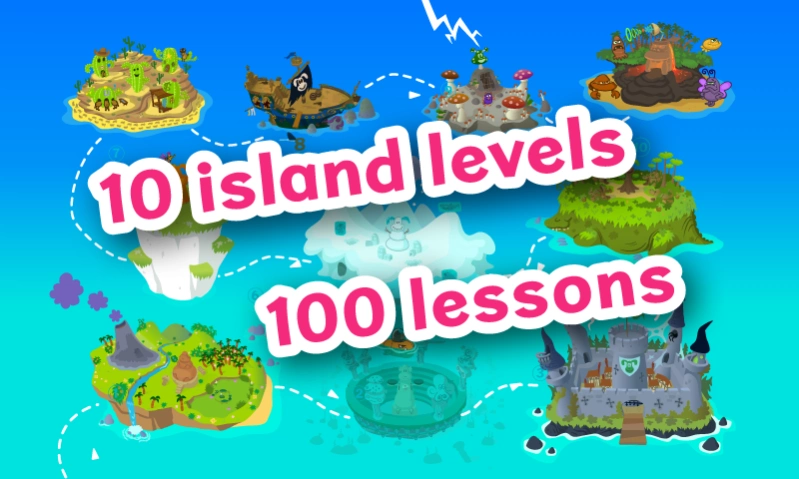
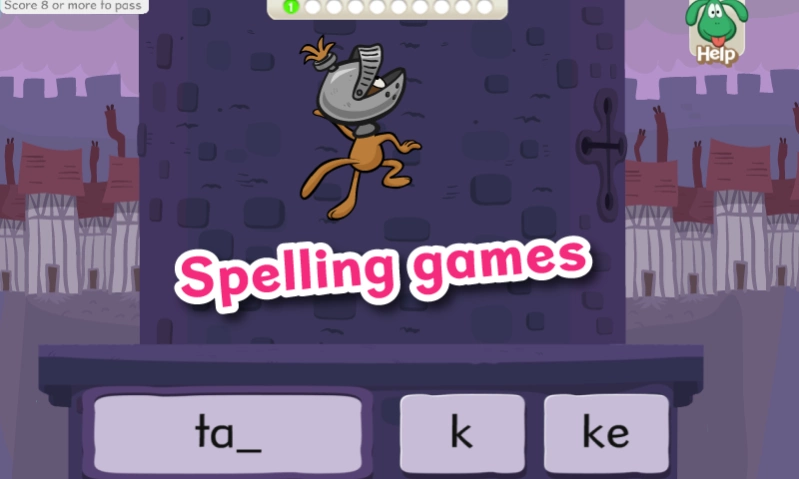
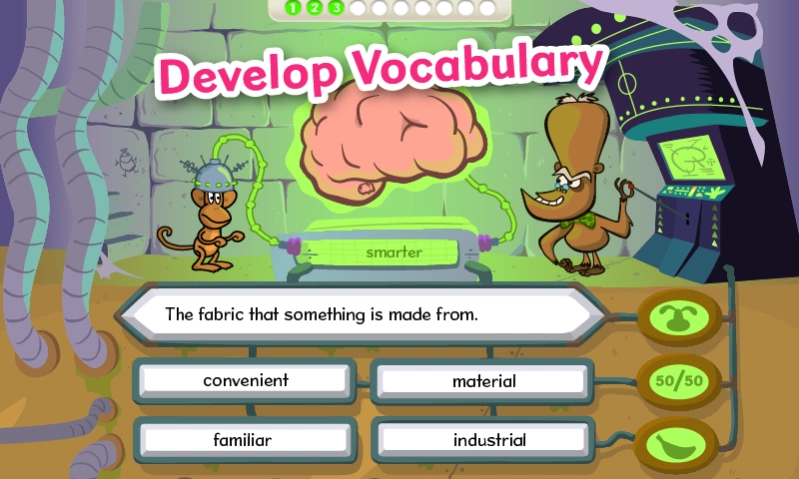
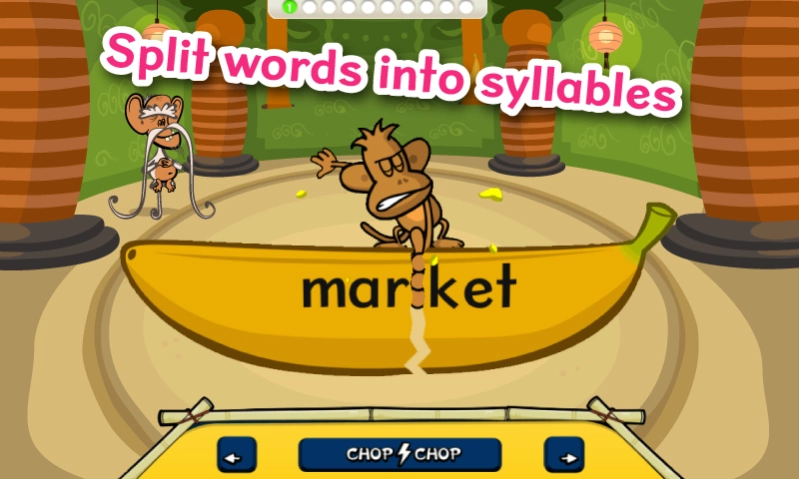
Use this app if you have an account or to try out Nessy Reading & Spelling.
The Nessy Learning app is the safest way for children to enjoy Nessy programs online. Play and learn without the worry of distractions from other websites.
Use this app if you already have a Nessy account or want to try out Nessy Reading & Spelling. Internet connection required.
After the free trial period a Nessy subscription must be purchased to continue using the program.
Designed to help children with dyslexia.
Suitable for 5-11 years.
If you experience any problems logging in with your secret word, please let us know at help@nessy.com. Occasionally clearing the cache of the app may be required when we update the Nessy platform. Clearing the app cache, via Settings->Applications->Nessy Learning->Clear Cache/Data, may resolve issues.
About Nessy Learning
The company that develops Nessy Learning is Nessy Learning. The latest version released by its developer is 11.0.
To install Nessy Learning on your Android device, just click the green Continue To App button above to start the installation process. The app is listed on our website since 2020-03-03 and was downloaded 45 times. We have already checked if the download link is safe, however for your own protection we recommend that you scan the downloaded app with your antivirus. Your antivirus may detect the Nessy Learning as malware as malware if the download link to nessy.nessybrowser is broken.
How to install Nessy Learning on your Android device:
- Click on the Continue To App button on our website. This will redirect you to Google Play.
- Once the Nessy Learning is shown in the Google Play listing of your Android device, you can start its download and installation. Tap on the Install button located below the search bar and to the right of the app icon.
- A pop-up window with the permissions required by Nessy Learning will be shown. Click on Accept to continue the process.
- Nessy Learning will be downloaded onto your device, displaying a progress. Once the download completes, the installation will start and you'll get a notification after the installation is finished.
Program Details
System requirements
Download information
Pricing
Version History
version 11.0
posted on 2020-03-03
Fixed an issue with Android 7 and 8.1 devices causing crashes.
version 10.0
posted on 2020-02-17
Fix and issue with App icon not appearing in home screen.
version 6
posted on 2018-08-07
Bug fixes and adding support for viewing worksheets via device PDF viewer, if installed.
